
Why accessibility matters in audio to text
Audio transcription is not only a productivity tool. It is also an important part of digital accessibility. When spoken content is turned into text, more people can use and understand it in a way that fits their needs. This includes people who are deaf or hard of hearing, users who cannot listen to audio in public places, and anyone who prefers reading instead of listening. Text transcripts also make webinars, interviews, lectures, podcasts, voice notes, and recorded meetings easier to review, search, and share. For websites, adding accessible text versions of audio content can improve usability and help visitors stay engaged for longer. It also supports clearer communication across different devices and internet conditions, because text is often faster to load and easier to scan than long audio files. In many cases, a transcript is the first step toward making spoken content more inclusive, reusable, and practical for a wider audience.
How transcription supports inclusive content
Accessible content should work well for different people, situations, and goals. Audio transcription helps by giving users another way to consume the same information without relying only on sound. A transcript can be copied into notes, translated into other languages, quoted in articles, or used to create captions and summaries. It can also help users find specific details quickly, such as names, dates, decisions, or key points from a discussion. For educators, businesses, and creators, this means one audio file can serve more than one purpose. A recorded lesson can become study material, a team call can become written documentation, and a podcast can become a searchable resource. AI transcription tools make this process faster and more affordable, especially for users who need regular transcripts. While automated results may still need a quick review for spelling, speaker labels, or technical terms, they provide a strong starting point for making audio content easier to access and use.
Best practices for creating accessible transcripts
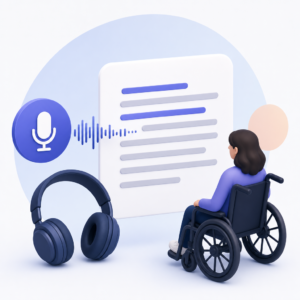
To get the most value from audio transcription, the final text should be clear, readable, and well organized. Start by using audio with good sound quality so the transcript captures speech more accurately. After transcription, review the text for obvious errors, especially names, numbers, and industry-specific words. Break long sections into shorter paragraphs to improve readability, and add speaker names when more than one person is talking. If the recording includes important non-speech information, such as laughter, music, applause, or background sounds that affect meaning, note these details in a simple way. It is also helpful to keep the wording close to what was actually said while removing filler words only when clarity is the goal. For website publishing, transcripts should be easy to copy, easy to read on mobile devices, and placed near the original audio content. This makes the page more useful for both visitors and search engines. A well-prepared transcript improves accessibility, supports content discovery, and helps spoken information reach a broader audience.


